Add utilization views, reports and roadmaps to your home page so you can access them quickly and easily.
Utilization views
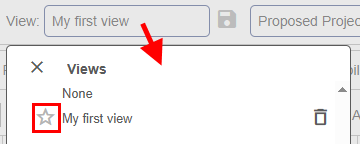
Here is how to star a utilization view and add it to your home page.
1. First select utilization.

2. Set up your view by setting filters and view configuration.

3. Save the view.

4. Star the view.
Reports
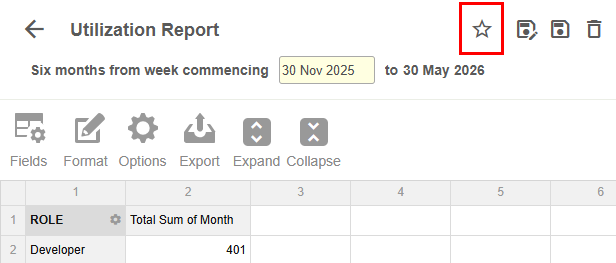
Here is how to star a report and add it to your home page.
1. First select reports.

2. Create and run a report.
3. From the report header, select star report.
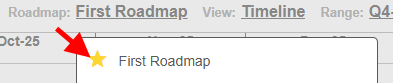
Roadmap
Here is how to star a roadmap and add it to your home page.
1. First select roadmap.

2. Create a roadmap.
3. Star your roadmap.