We have changed Kelloo, here is what is new.
Home page
The Kelloo home page lets you keep tabs on information that is important to you, provides shortcuts to your reports and views and provides a quick way to open the planner and filter to the data you want to work with.
We will be adding further portals to the home page in the next release of Kelloo.
To open the home page select the Kelloo icon.
Planner window
By default the planner extends two years forward in time. If you have large plans and only plan to a shorter time frame you can change this setting to increase planner performance.
Sort projects on the roadmap
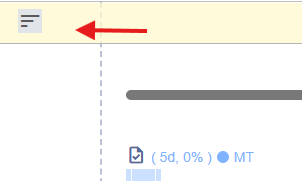
You can now sort projects within lanes on the roadmap.
Shifting projects on the roadmap
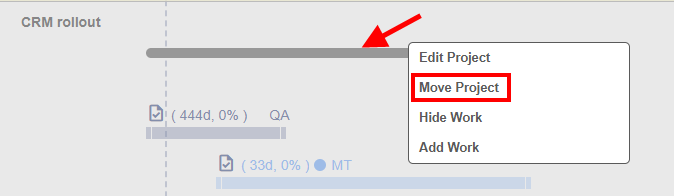
You can now move all of a project's work in the roadmap.
Roadmap project bar color
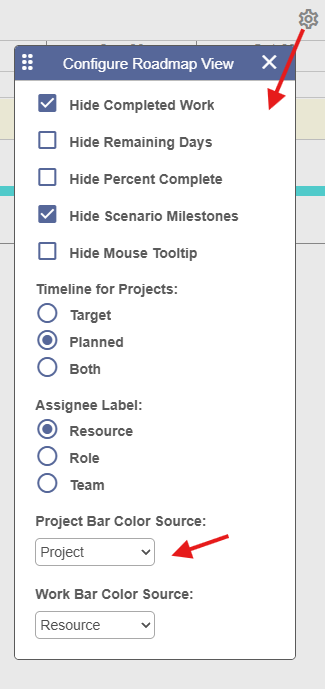
You can now change the color of the project bar in the roadmap.